How a day works
Three to five minutes. One place. Five things worth knowing.
1. Arrive
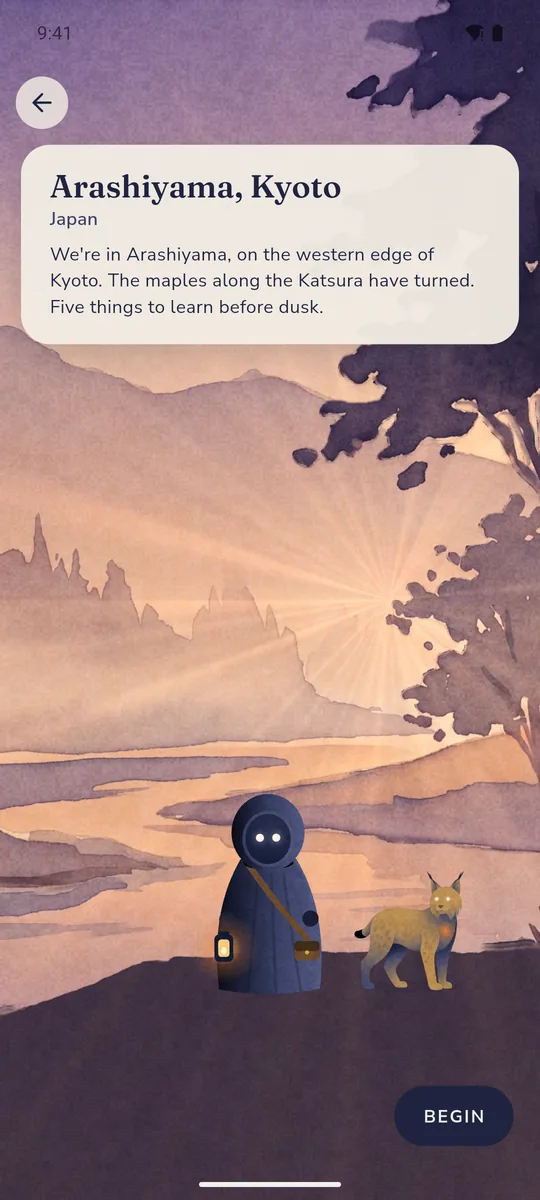
Every day at midnight UTC a new expedition opens, the same one for everyone in the world. You arrive at a painted scene with your Wayfarer and your companion, and a single line tells you where you are and what the light is doing.
2. Five encounters
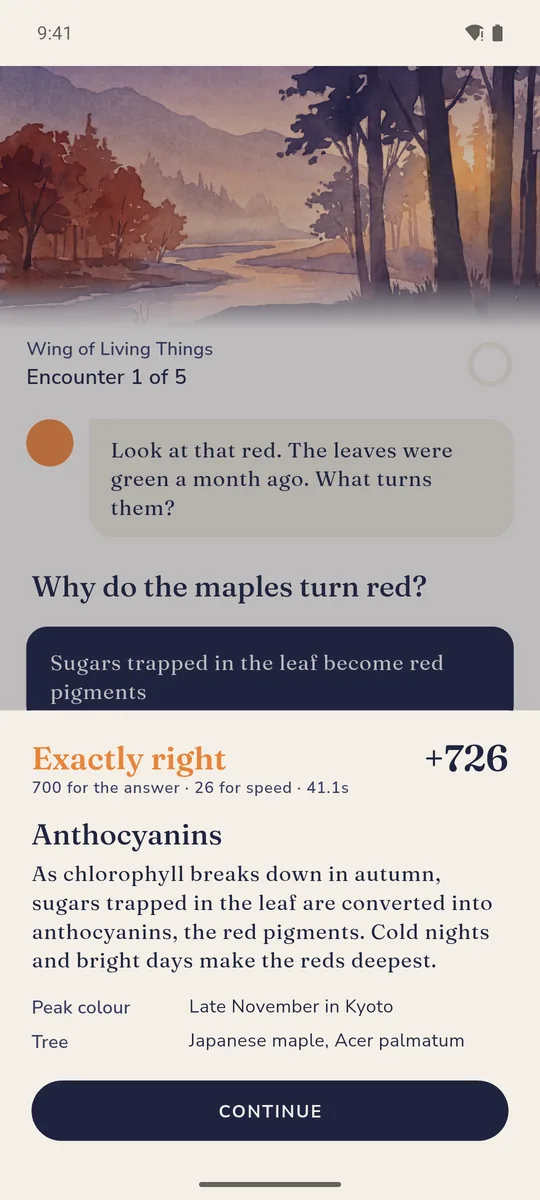
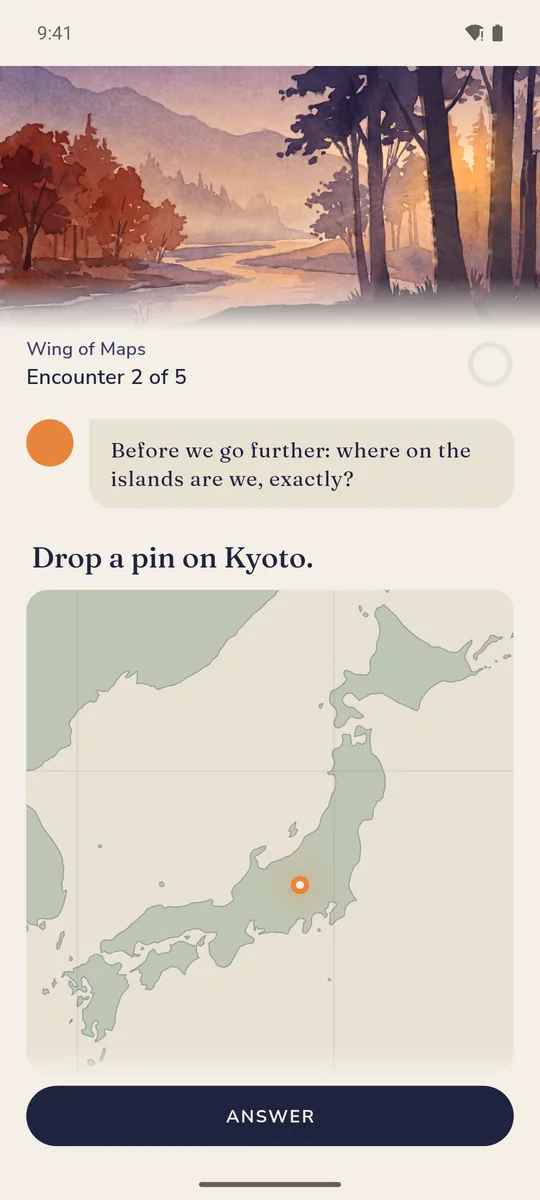
Each encounter is a small, hands-on interaction. The kind depends on what the fact wants:
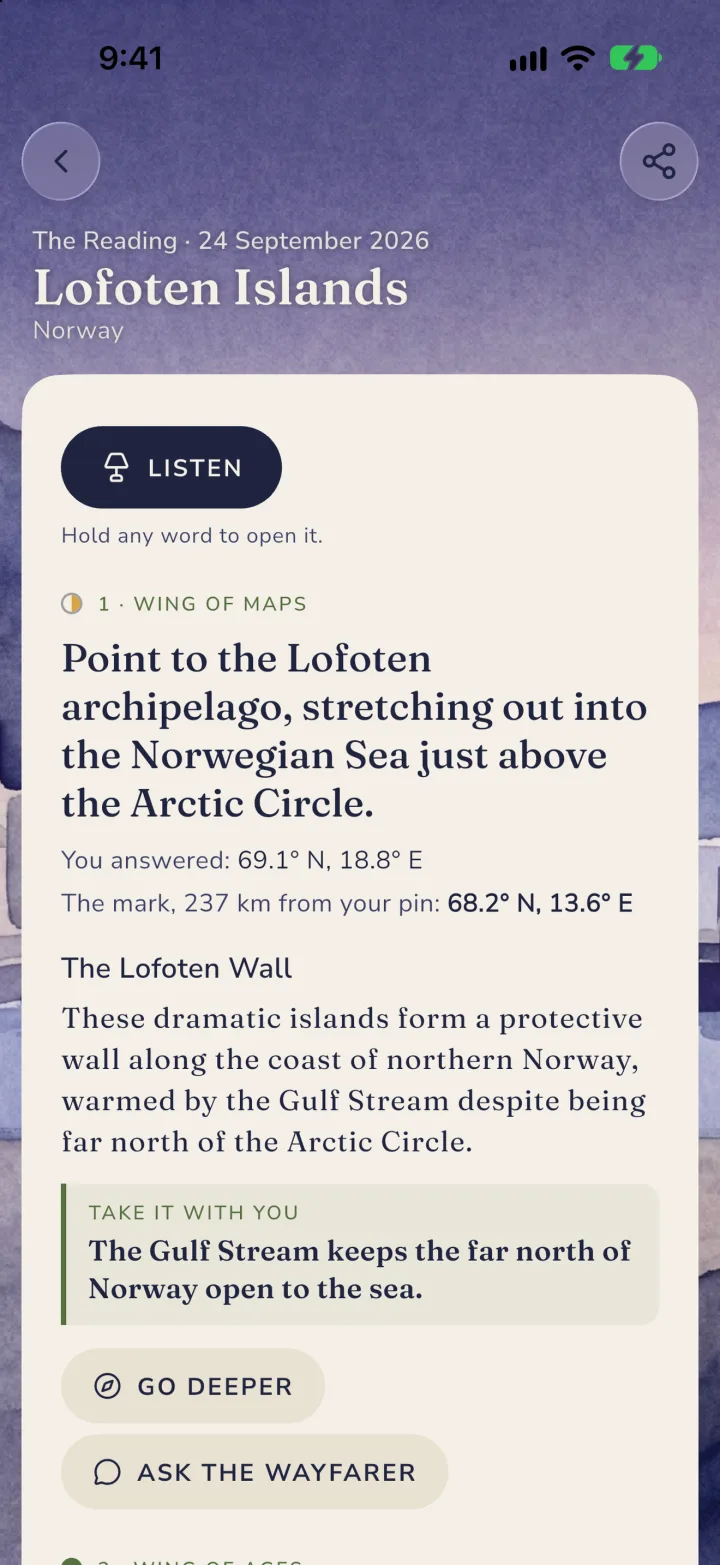
- Map pin. Tap where you think the place, river or peak is. Closer scores higher.
- Timeline. Drag events into order.
- Match pairs. Pair the names with the things.
- Estimate. Slide to a number: a height, a count, a year. Within tolerance scores full.
- Choice cards, odd one out, sort into buckets. Pick, spot, or sort.
Four encounters come from four of the six wings of the Library: maps, elements, ages, voices, living things. The fifth is always the Clock Tower: something that happened on this exact calendar date, tied to the place or its country.
3. Scoring
Each encounter is worth up to 1,000 points: correctness first, then speed. Partial credit exists, so a near miss on a map or an estimate is still worth something. Scoring happens on our servers; the answers never travel to your phone before you commit. After each answer the companion explains the fact in a sentence or two, written for the answer you actually gave.
4. One attempt, ranked
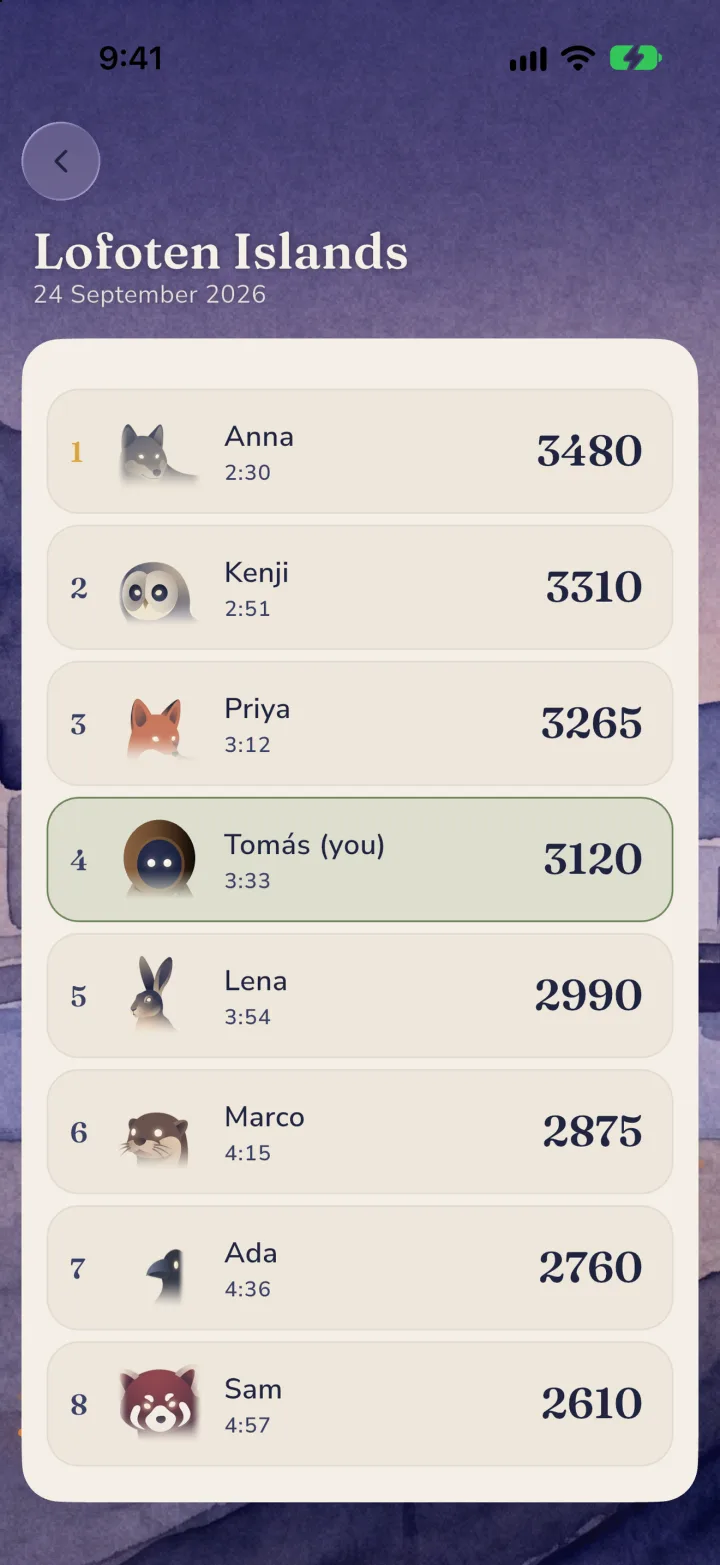
You get one ranked attempt per day. Your total for the day goes on that day's global leaderboard under the name you gave your Wayfarer. Streaks count consecutive days finished.
5. Return
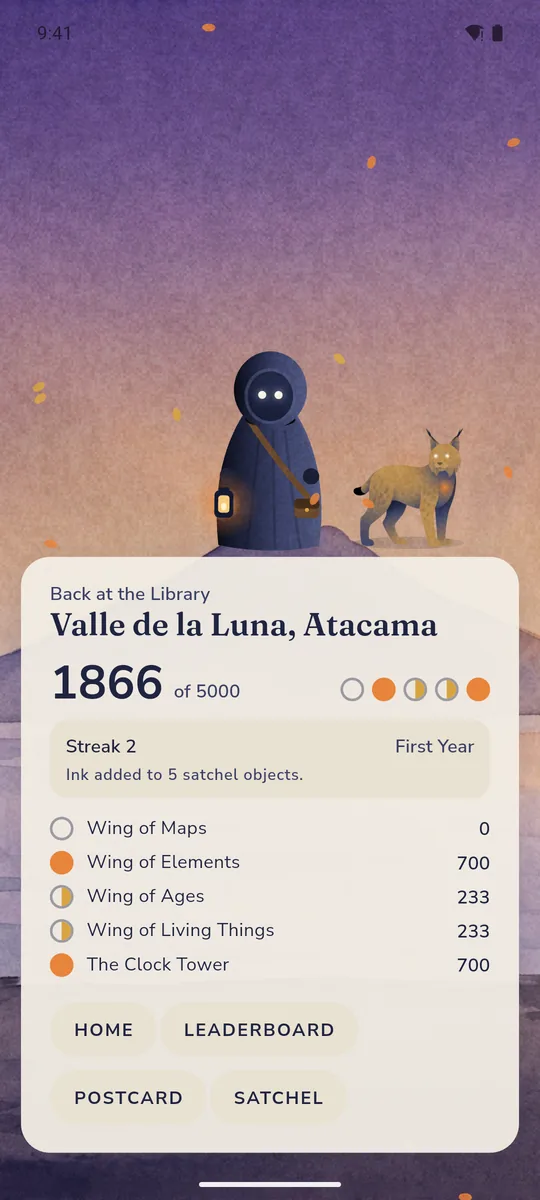
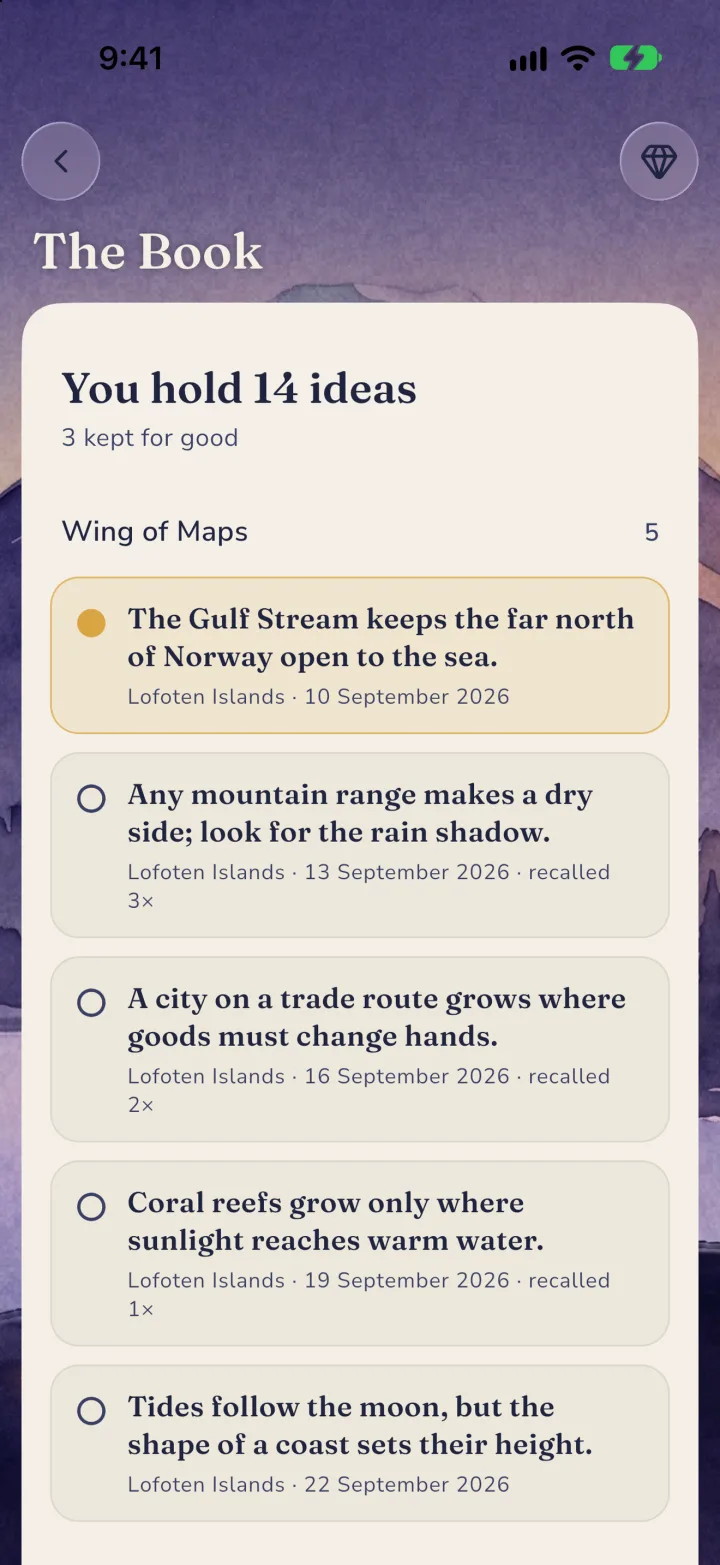
Back at the Library you see the day's score, which satchel objects grew, your rank, and a postcard of the day to share. The day is now kept in your Library for good.
Missed days and the Pass
Days you miss are listed in your Library. Recovering them will be part of the Pass: recovered days fill your satchel, but they never count for streaks or for that day's leaderboard. The board belongs to the people who were there.
Reminders
If you want one, the app sends a single local notification a day at a time you choose. It is off by default and nothing about it leaves your phone.